I just seriously needed to thank you so much for RecordSeek. I love it so much and use it hundreds of times a day it seems. It has made family history so much easier and I am so grateful that you have developed it.
Luisa
RecordSeek makes it effortless to record your source citations from the web. Get started, and start saving sources.
or drag the button below to your browser's bookmark bar
We make it effortless to record a source so you can spend more time researching.
We take any website on the net, and convert it to a source citation automatically. With the help of our technology recording sources becomes a joy, rather than a struggle.
RecordSeek automatically creates a MLA format source citation for you, so you get the benefit of an official citation, without the frustration.

RecordSeek was created to save time and make a broken process simple.
Dovy Paukstys, Creator
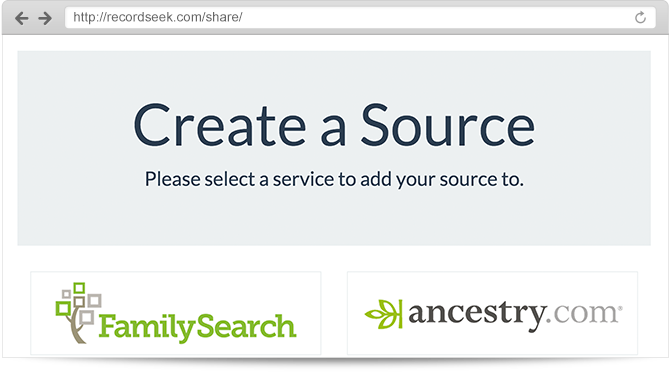
RecordSeek has been designed to work for mobile as well as desktop uses. With a few simple instructions you can use RecordSeek on the go.
And with the simplicity of our bookmarklet, you can go to any library and be using RecordSeek without installing a thing. Portability is important to us.
Install one of our browser extensions
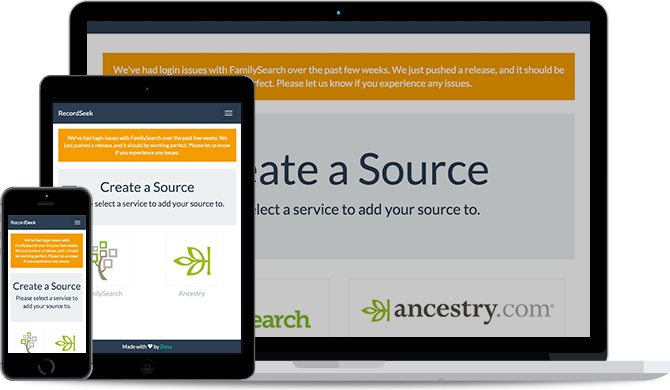
We aim to support the biggest players in the industry. Currently RecordSeek allows you to link your sources to FamilySearch or Ancestry. We'll gladly expand our integrations to others.
Working together we can build a complete solution for users and developers across the world.
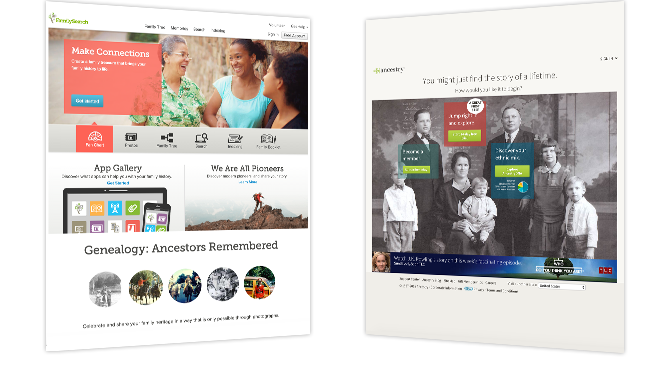
The whole reason we cite sources is to ensure we don't duplicate effort. With our help you ensure others are not looking for the same records you are.
With citations, family fiction fades away. We all want to prove our ancestors existed, so why not work together?
Teamwork is the ability to work together toward a common vision. The ability to direct individual accomplishments toward organizational objectives. It is the fuel that allows common people to attain uncommon results.
Andrew Carnegie

I just seriously needed to thank you so much for RecordSeek. I love it so much and use it hundreds of times a day it seems. It has made family history so much easier and I am so grateful that you have developed it.
Luisa
If you have ever found or stumbled onto a great document, picture or website of information about one of your ancestors, and did not know how to create a source on familysearch, or on Ancestry.com, now you can do it with a few mouse clicks and no technical expertise or programming knowledge needed. The tool does all of the heavy lifting, all you need to do is identify your ancestor so the documentation link can be attached.
David Penrod
Don't waste time! Use our technology to
connect your records to the services we support.